We have launched a new version of Ethnote
The Ethnote Team
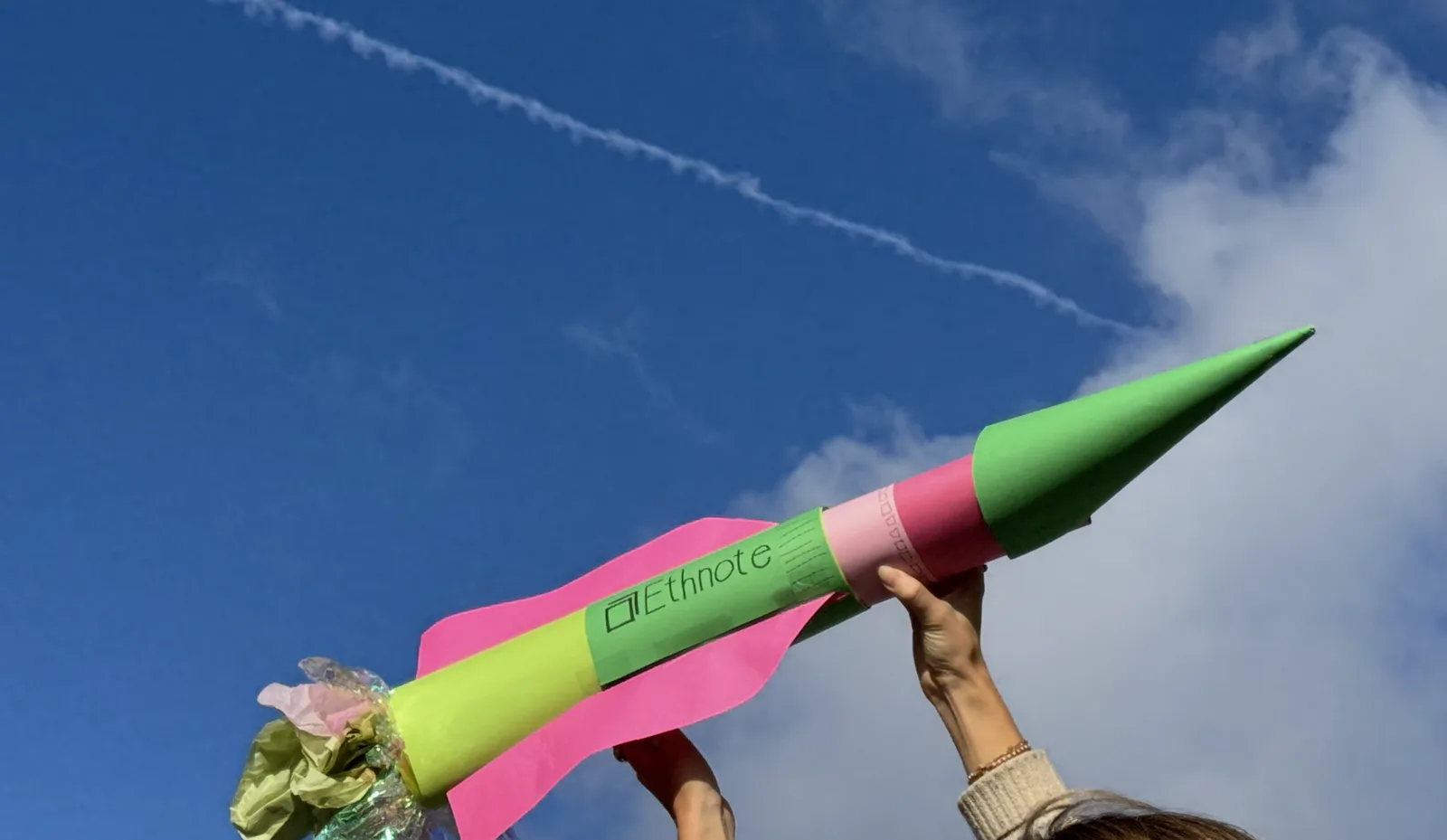
We are proud to present a major Ethnote update, with a new interface and a lot of new ways to work with qualitative data. We have highlighted a few of the central changes below, but you can also find an introduction to the new update under 'Video guides' in the top panel, or read about them under 'Features'.
Organize your data
With our updated interface, Ethnote makes it easy to collect, organize, and explore your data. By introducing ready-made - yet easy customizable - templates for different data collection situations, Ethnote helps facilitate an infrastructure for your qualitative text data.
Import transcriptions
While Ethnote does not offer any transcription service, we have made sure that you can import transcription files directly into your notes. This means that if you use an AI- or other automatic transcription service, you can now import them into Ethnote with speaker labels and audio and time stamp alignment making it easier to navigate both text and audio for your interviews.
Coding across file types
With Ethnote, you can both tag and code your data according to your self-developed codebook. We have now made sure that these codes can be applied across data, PDFs, and photos. To help keep an overview of your code usage, we have implemented a code-map on the right-side of your notes showcasing how the codes are distributed across the document.
Work in real time with your team
Collaboration has always been a part of how Ethnote was designed. With the new update, we introduce real-time collaboration, which means that you and your team members can now work in the same document at the same time, and thus see each other's changes as they happen.
Brainstorm and work with your data in Canvas
We know that research is not a linear process, and we thought that Ethnote was missing a creative space to be able to work tactilely with your data, ideas, and thoughts. Canvas works as a big post-it board, where you can import your data, uploads, or coded text segments to work with. Add post-it notes, arrows, circles to help explore or gather your analytical thoughts. Canvas can also be used as a collaborative tool in real-time.
We hope you see the value that these updates and new features will add to qualitative work in Ethnote. And as always we value to hear any kind of feedback, frustration or wish for additional features or changes. Write to us at contact@ethnote.dk and we will try and support you the best way we can.
All the best, The Ethnote Team